
Of the Disney resorts, I’ve always considered Disneyland Paris the relaxed one. You do not have to arrive at the resort at 6am (ala Tokyo), you don’t have to plan your lightning lanes in advance (Walt Disney World), be on your phone at an exact time in the morning to get a boarding group for a ride or any of that jazz. At least, you didn’t… until the opening of Avengers Campus.
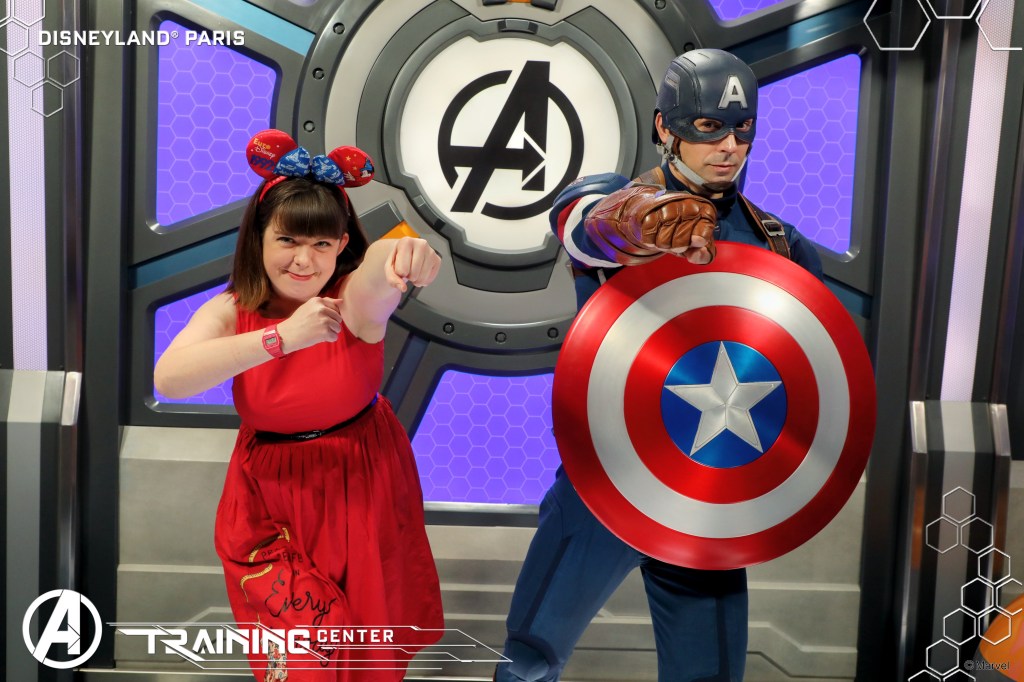
When Avengers Campus opened back in July of 2022, a new attraction within the land was Hero Training Centre, a dedicated meet and greet location for the Marvel characters, and the only place in the park to operate on a virtual queue system. Without a valid virtual queue, released through the Disneyland Paris app at various times throughout the day, you would not be granted admittance to the building. Now, this wasn’t the first time the resort had required a virtual queue to meet characters. Long-time visitors will be painfully familiar with the much-loathed Lineberty app that was required to meet Olaf and select other characters in the past. Requiring a whole separate app and account, Lineberty required a whole different level of preparation. Thankfully, Hero Training Centre is far more integrated into the regular park experience than that!
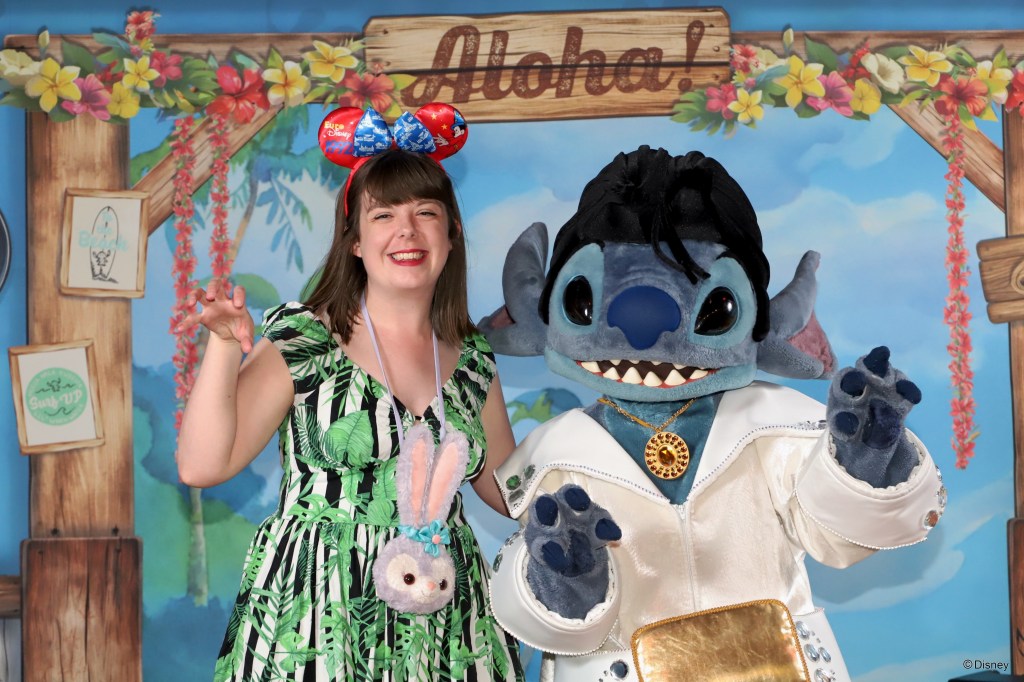
So, if we’ve had virtual queue before, why am I writing this now? Well, whilst previously the characters who have required a virtual queue have been, what I would consider, characters that are a nice bonus, recently this system has been expanded to what I would consider the core Disney experience. You see, Mickey Mouse and the Disney Princesses now require a virtual queue. Not only that but the one character who might just be more popular at Disneyland Paris than the main mouse himself, Stitch, is also in this category.
As of time of writing (late June 2025) the character experiences requiring a virtual queue are as follows:
Disneyland Park
- Meet Mickey Mouse
- Princess Pavillion (a randomly selected Disney Princess)
- Welcome to Starport: A Star Wars Encounter (a randomly selected Star Wars character, usually Darth Vader)
- Meet Stitch
Walt Disney Studios Park
- Marvel Super Hero Heroic Encounter (a randomly selected Marvel superhero)
- Meet Olaf
- Spider-Man Heroic Encounter
Whilst virtual queue has existed for these experiences within Walt Disney Studios Park for some time, this is the first time the experiences in Disneyland Park have required a booking.
How does the system work?
On the day you visit Disneyland Paris, you will need to select the character you wish you meet and, when booking opens, secure a virtual queue. You have no control over what time slot you are assigned, as this queue works like a traditional queue. You will be given an approximate wait time which can vary from straight away to multiple hours. Throughout the day, you must keep an eye on your queue time as it can be faster or slower than originally quoted, depending on how quick the people before you are! (Top tip: turn on notifications for the Disneyland Paris app on your phone! The app will let you know when you’re half hour away from your meet, and when you’re 15 minutes away.) Once it’s your time, you’ll be able to have your app checked by the cast member at the experience entrance and wait in a short line before getting to meet the character!
Do I NEED to book?
Yes. There is no alternative method to meet these characters. They do not offer a standby line, or a separate system for disabled guests. All guests wishing to meet the character must have a valid virtual queue.
How difficult is it to get a booking?
This is where things get uncomfortable, because it is tough. Of course, difficulty varies by character. If you’re keen to meet Darth Vader, or a Marvel Super Hero, you should be able to score a virtual queue very easily, assuming you’re in the park and on your phone at the correct time (more on that later). However, Stitch, Olaf and the Disney Princesses, particularly Stitch, are hard work. This is a game of fastest finger first, and you need to be ready!
How do I get a booking?
- Download the Disneyland Paris app and link your tickets – do this in advance of your visit. The last thing you need is last minute stress creating a Disney account and linking all of your tickets. Every guest (aged 3+) must have a valid ticket linked to the account of the person booking the virtual queue. A maximum of 6 guests can be booked onto one virtual queue. If your party is larger than this, consider assigning your tickets to two different phones and each trying for a virtual queue.
- Enter the Disney Parks – you must be inside a Disney Park in order to book a virtual queue. I don’t think it matters which one (though I need to check this), but your ticket must be valid for the park that houses the meet you are booking.
- Be ready for 09:45 – this is currently the time of the first release of virtual queues. This means you must be inside the Disney Parks by this time. Currently, the parks open for Extra Magic Hours at 08:30 and to regular day guests at 09:30. That means, if you don’t have Extra Magic Hours, you will need to make sure you are getting to the parks nice and early in the morning to make sure you don’t get held up at the turnstiles! Once you’re inside, make sure you have your phone open, the app loaded and ready to go by 09:43.
- Open a character that uses Virtual Queue, it doesn’t matter which – it doesn’t matter which character you open as all characters will take you to the main virtual queue hub. Have your character found and opened one minute before the virtual queue drops
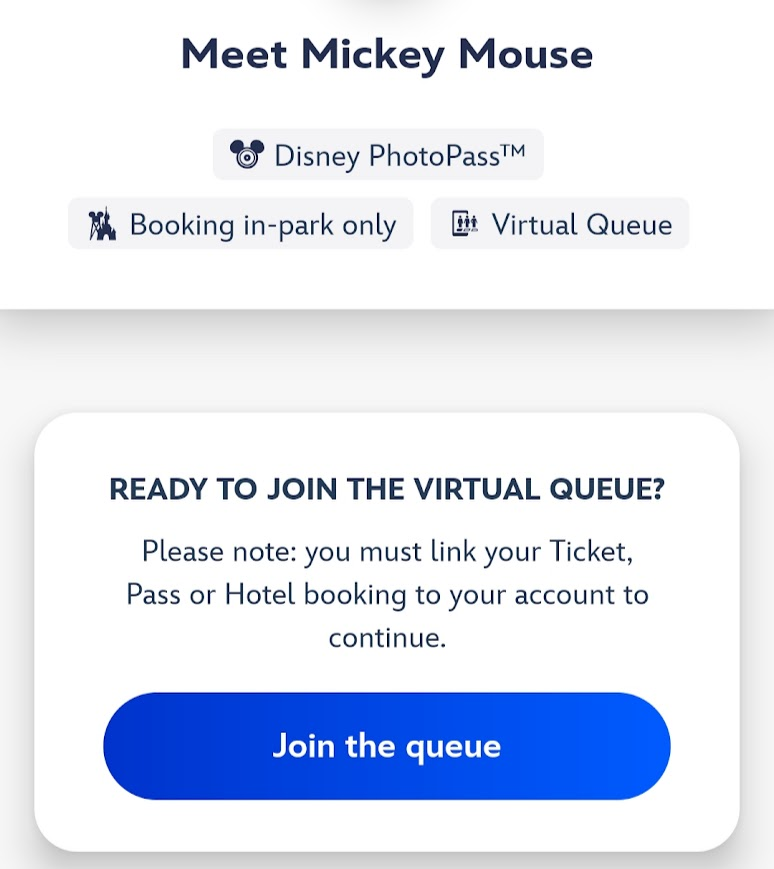
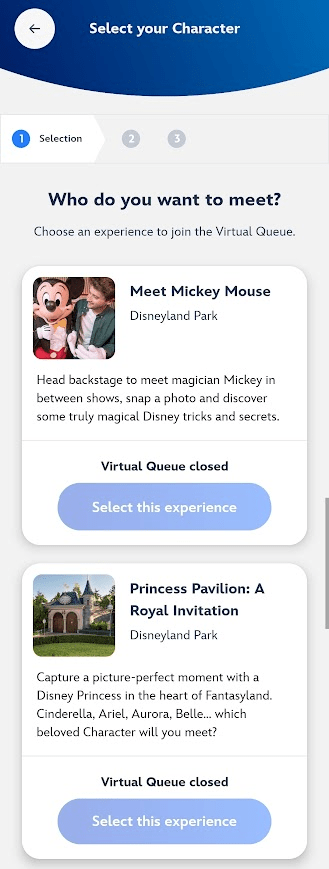
- At the exact time the virtual queue booking opens, tap ‘Join the queue’ – ‘Join the queue’ will take you to the main virtual queue hub. This screen features every character with virtual queue. As quickly as you can, scroll to the character of your choosing and book it. You cannot open this hub before the booking opens as the links to the individual characters do not go live until the exact time, and the screen will not automatically refresh. If you open this screen early, you will have to back out and re-enter, losing precious time.
- Once you character is selected, choose who’s coming – usually this will be everyone in your party, so just tap the option for every valid guest and secure that booking as quickly as you can!
- Wait for your turn – at this point you will be given an estimated wait time. Keep an eye on this throughout the day as it can be shorter or longer (usually longer) than posted!
- Return to the character when it’s your turn – you will receive a 30 minute and 15 minute warning notification that your time is approaching, so start making plans to head to the character once you do! (But note, that it could still be longer than expected) Don’t stress about being exactly on time if you’re in the middle of a ride queue, or meal. You will be allowed into the meet up to an hour after your slot.
- Queue – though you’ve queued virtually, you should still expect a short wait for your character. I experienced a 5 minute wait for Princess Pavillion and a 30 minute wait for Stitch.
- Enjoy your meet – there’s nothing quite like a Disney character meet! Enjoy!
Is it worth it?
Absolutely! In my mind, a Disney meet and greet is an essential part of the Disneyland Paris experience. Though it can be extremely stressful trying to reserve a virtual queue, the system means that guests can meet a character with minimal physical queue time! Prior to the virtual queue, Princess Pavillion often experienced wait times of 2 or even 3 hours. A miserable experience for all, especially little ones!
What if I don’t get a booking?
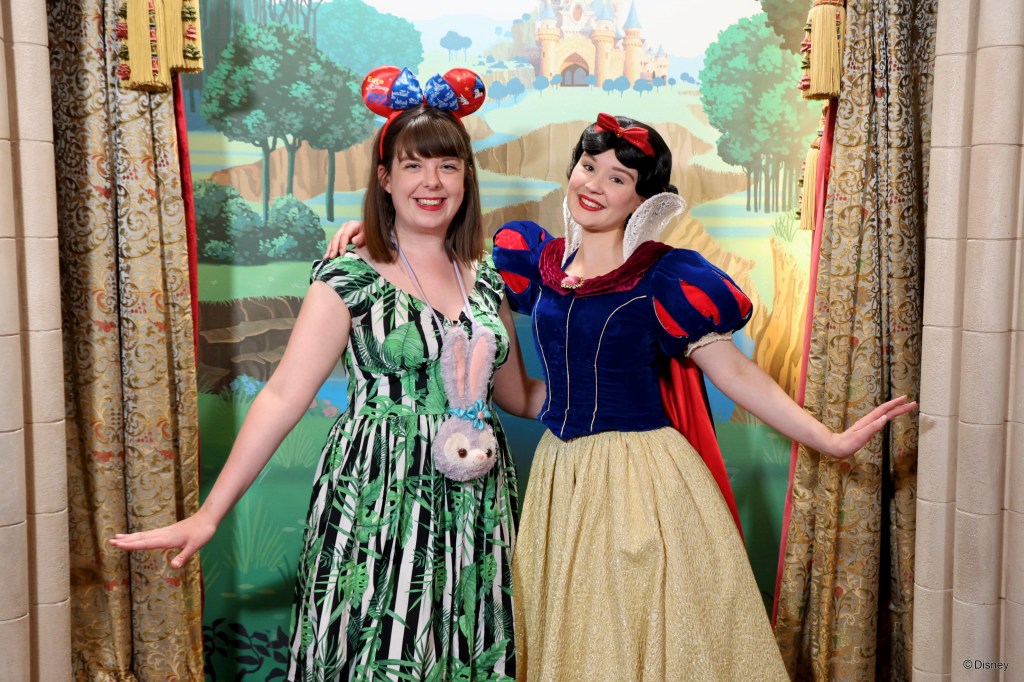
First up, go straight back to the main screen and try another character. On my first attempt, I failed to get a Stitch virtual queue, but managed Princess Pavillion instead!
If not, don’t worry! There’s always a second opportunity to get a virtual queue. At the moment, the daily drops occur at 09:45 and 14:00. Just try the same method at 14:00 – you’ll be more practised now!
If you still don’t manage to get a virtual queue in the second drop, remember that there are still plenty of characters around Disneyland Paris that don’t require a virtual queue. You can even still meet Mickey Mouse in his adorable Phantom Manor costume over outside the delightfully spooky attraction in Frontierland.
Essential Points
- All guests must have a valid ticket linked in the Disneyland Paris app
- You must be in the Disney Parks before the virtual queues become available
- Virtual Queues currently release at 09:45 and 14:00 – check the Disneyland Paris app for up-to-date times
- Be ready on the app a few minutes before
- If you have strong mobile signal, use that instead of the park’s WiFi
- You can only visit each character experience once per day
- You may still have a short wait
- If your countdown seems to freeze with a minute or two remaining (mine did this both times) check with a cast member if you can join the queue
Speak again soon,
Claire
x
 coasterclaire.co.uk